WITH · APPLE WATCH
Your Apple Watch flagged sleep apnea — how accurate is it, and what now?
The notification is real and FDA-cleared. It's also a once-a-month verdict built from wrist movement, not a nightly measurement. Here's what it actually means, how far to trust it, and how to gather real evidence before you sit down with a doctor.
An Apple Watch sleep apnea notification is an FDA-cleared screen that watches your wrist for movement linked to interrupted breathing, then flags you after about 30 days of consistent moderate-to-severe signs. Take it seriously — but it's a movement proxy, not a diagnosis, and it can miss mild cases. The next step is a doctor, and you don't have to walk in with just a single alert: tonight, free, the phone on your nightstand lets you hear the actual pauses and build a BRI number, night after night, to show them.
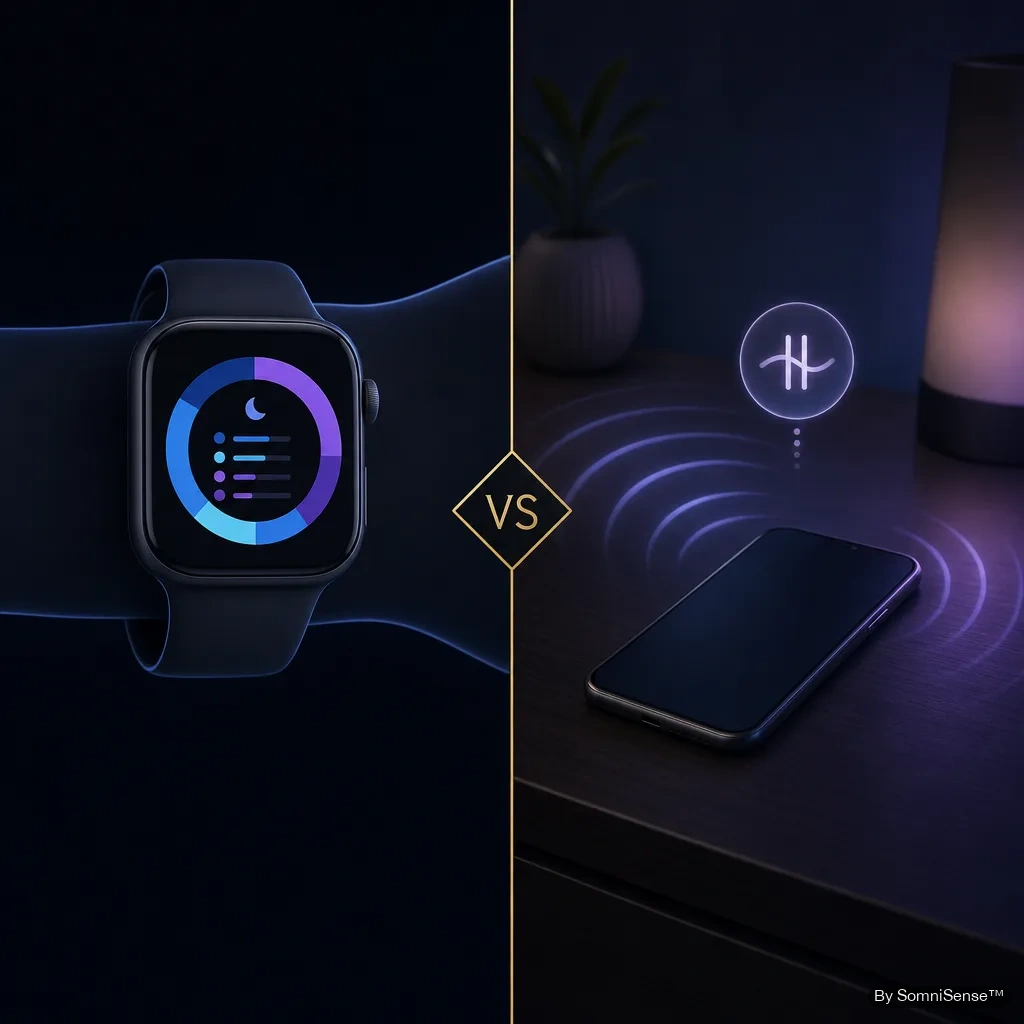
What the Apple Watch breathing disturbance notification actually means
First, the honest version of what it is — because the marketing and the mechanism are two different things.
Apple Watch (Series 9, Series 10, and Ultra 2, on watchOS 11 and later) uses its accelerometer to pick up tiny wrist movements that tend to accompany interruptions in breathing during sleep. It logs these every night as a "breathing disturbance" metric, and in the Health app each night shows up as either elevated or not elevated. Roughly every 30 days, it looks across that data and, if the pattern shows consistent signs of moderate-to-severe obstructive sleep apnea, it sends you a notification suggesting you talk to a doctor.
The FDA cleared this in September 2024, supported by a clinical study of 1,448 people spanning the full range from normal to severe. So it's a genuine, tested screening tool. Apple is also explicit about its limits: it is not intended to diagnose, treat, or manage sleep apnea.
One thing this is not: a measurement of your breathing itself. It infers disturbance from how your body moves. That's a clever signal, and it's enough to screen with — but it's a step removed from the actual breath.
How accurate is the Apple Watch sleep apnea notification?
Accurate enough that the FDA cleared it, and accurate in a specific, deliberate way: Apple tuned it for high specificity. In plain terms, it's built to rarely raise a false alarm. When it does notify you, the odds that something real is going on are good.
The trade-off of that design is on the other side of the ledger. To avoid false alarms, it sets the bar at moderate-to-severe and aggregates over a month. So:
- A notification is high-signal — it doesn't fire easily, so it's worth acting on.
- Silence is not a clearance — mild sleep apnea, or nights you didn't wear the watch, can slip through.
- It's a movement proxy — it reads the body's reaction to disturbed breathing, not the breathing or the blood oxygen directly.
None of that makes it bad. It makes it a screen — a good one — that tells you whether to look closer, not what's actually happening at 3 a.m.
Why false positives are rare — and what gets missed instead
If you're here because you got a notification and you're wondering whether the watch is just wrong, the reassuring part is that it's specifically engineered not to be. The whole point of tuning for specificity is to keep false positives low. A restless night or two won't trip it; it's looking for a consistent 30-day pattern, which smooths out the odd bad night.
The miss that actually matters runs the opposite direction — false negatives. Because the threshold sits at moderate-to-severe, someone with mild but real sleep apnea can get "not elevated" every night and never see an alert. The watch isn't malfunctioning when that happens; it's doing exactly what it was designed to do. It just isn't sensitive to the milder end.
This is the gap worth closing if you have symptoms but no notification: feeling wrecked after eight hours, a partner who's noticed you stop breathing, waking up gasping. The watch staying quiet doesn't explain those away.
What to do after an Apple Watch sleep apnea alert
Step one: book the doctor. That's the action the notification exists to trigger. An FDA-cleared screen flagged a moderate-to-severe pattern — that's the one thing on your wrist worth acting on directly, and a sleep specialist is where it goes.
Step two, while you wait: gather more than the alert gave you. The watch hands you a verdict — "elevated," consistent signs, see a doctor. What it can't hand you is the texture: which nights, what it sounded like, whether anything you do changes it.
That's the part SomniSense fills. Set your phone on the nightstand and for the next couple of weeks you get, every morning:
- The audio — play back the actual pause or snore the watch could only infer from movement.
- A BRI number — breathing events per hour, on the same scale clinicians call AHI, so it's legible to your doctor.
- A nightly pattern — not a 30-day blur, but each night, so you can see whether it's every night or only some.
- A Doctor-Ready Cadence™ PDF — two weeks of data formatted to hand over, instead of a screenshot of an alert.
SomniSense doesn't replace the appointment and it isn't FDA-cleared — it's a wellness monitor, not a medical device, and it doesn't diagnose. What it does is make sure you arrive with evidence instead of a single notification.
Free to start · Pro adds the multi-night before/after and the doctor-ready report · 7-day free trial, cancel before day 8 to avoid the charge.
Read next
Common questions
- Is the Apple Watch sleep apnea notification accurate?
- It's FDA-cleared, and the clearance was backed by a study of 1,448 people — so it's a real, tested screen, not a gimmick. Two things worth knowing, though: it reads breathing from wrist movement, not from your blood oxygen or airflow, so it's an indirect signal; and it's deliberately tuned to avoid false alarms, which means it only flags moderate-to-severe patterns and can stay quiet on milder ones. If it notified you, that's meaningful. If it didn't, it doesn't fully rule sleep apnea out.
- Can my Apple Watch be wrong about sleep apnea?
- It's built to rarely cry wolf — Apple tuned it for high specificity, so outright false positives are uncommon by design. The more likely 'miss' goes the other way: because it only flags moderate-to-severe signs over a 30-day window, mild sleep apnea can go unnoticed. So a notification is worth acting on; silence isn't a clean bill of health. Either way, the watch is a screen, not a diagnosis — the diagnosis comes from a doctor.
- What should I do if my Apple Watch says I have sleep apnea?
- Book a doctor first — that's exactly the next step Apple designed the notification to prompt. Then, while you wait for the appointment, it helps to gather more than a single 30-day 'elevated' flag. Running SomniSense for a couple of weeks gives you nightly detail: the audio of what's actually happening, a BRI number on the same per-hour scale clinicians use, and a pattern you can hand over. You walk in with evidence, not just an alert.
- Does the Apple Watch check for sleep apnea every night?
- It collects breathing-disturbance data nightly and shows each night as 'elevated' or 'not elevated' in the Health app, but it only issues an actual sleep apnea notification after analyzing roughly 30 days of that data. So the alert is a monthly verdict, not a nightly one. SomniSense, by contrast, gives you a fresh per-night read every morning.
- My Apple Watch didn't notify me — does that mean I don't have sleep apnea?
- No. Because the feature is tuned to flag only moderate-to-severe patterns and to minimize false alarms, it can stay silent on mild sleep apnea — and it won't notify at all if you don't wear the watch to bed consistently. If your partner has seen you stop breathing, or you wake up gasping or exhausted, those symptoms matter regardless of what the watch says. That's a reasonable moment to look closer.